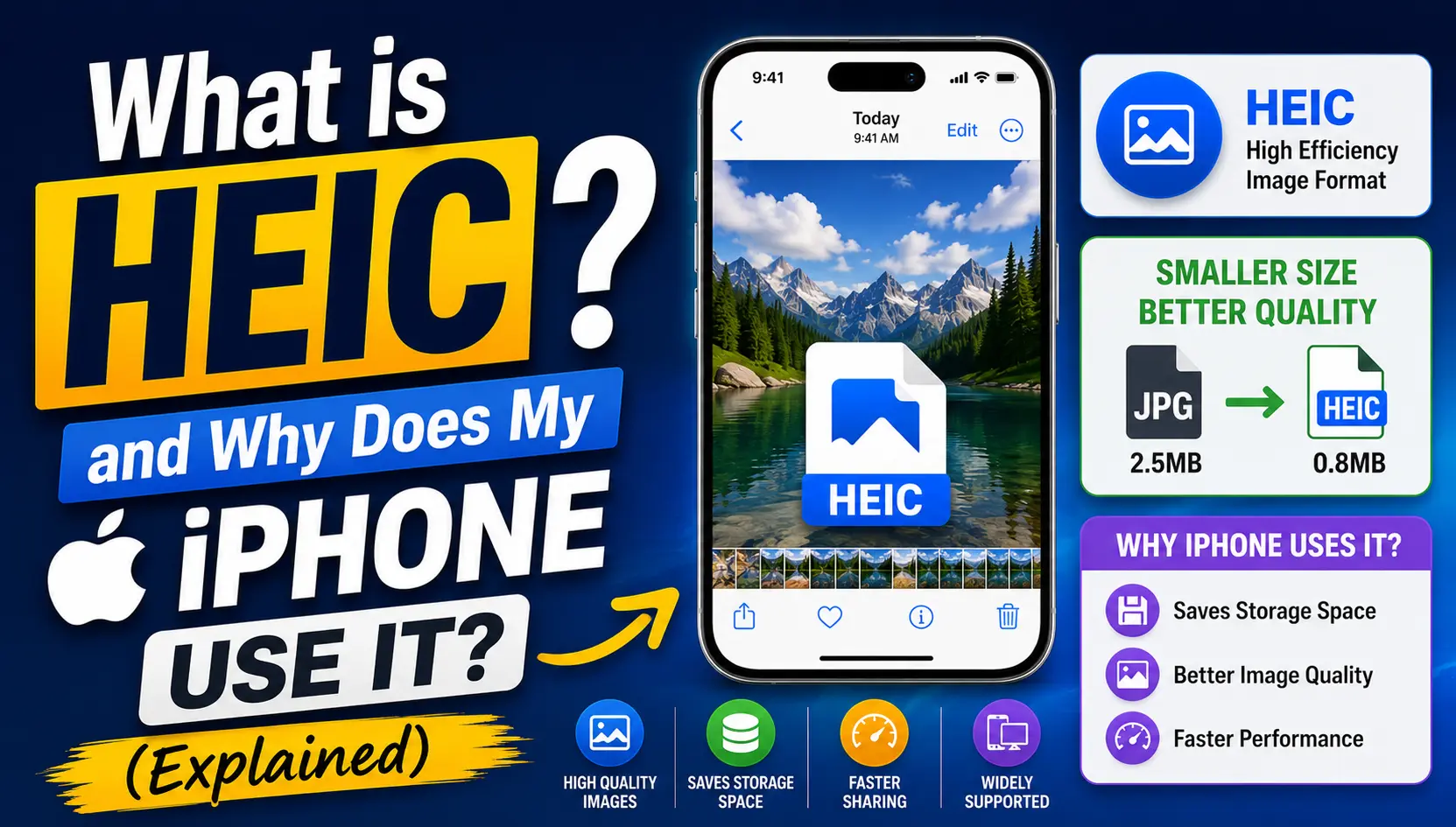
What Does HEIC Stand For?
HEIC stands for High Efficiency Image Container. Apple introduced it as the default photo format on iPhones and iPads starting with iOS 11, and it has remained the standard ever since. The format is built on top of the broader HEIF standard, which stands for High Efficiency Image Format, an image container technology developed to replace older formats like JPG with a more modern, efficient alternative.
The core promise of HEIC is simple: store high-quality photos using roughly half the file size of an equivalent JPG. In practice, this means a photo that would be 4 megabytes as a JPG might only be 2 megabytes as a HEIC file, with no noticeable difference in how the image looks on screen or in print.
Why Did Apple Switch to HEIC?
The switch to HEIC was driven primarily by storage efficiency. As iPhone cameras improved, capturing higher resolution images and supporting features like Portrait Mode, Live Photos, and 4K video, storage pressure on devices became increasingly significant. Apple needed a way to let users take better photos without filling up their phones as quickly.
HEIC solved this by using more advanced compression technology based on the HEVC video codec, the same technology used to compress high-resolution video efficiently. Applied to still images, this approach achieves substantially better compression than the aging JPG standard without a corresponding drop in visible quality.
Why Does HEIC Cause Compatibility Problems?
Despite its technical advantages, HEIC is not universally supported across all devices, platforms, and software. The format is relatively new compared to JPG, which has been a universal standard for decades, and adoption outside the Apple ecosystem has been slower.
Common situations where HEIC compatibility becomes a problem include sending photos to Android users with older software, uploading images to websites or platforms that only accept JPG or PNG, opening photos on Windows computers without additional codec support, and sharing images with clients or colleagues using older software that predates HEIC support.
Does Apple Automatically Convert HEIC When Sharing?
Sometimes, but not always. Apple's iOS does convert HEIC photos to JPG automatically in certain sharing scenarios, particularly when using the share sheet to send photos via email or certain apps. However, this automatic conversion is not consistent across every method of file transfer.
If you use AirDrop to share between Apple devices, the HEIC file is typically sent as-is since the receiving device can handle it. If you copy photos to a computer using a cable and then share them, the raw HEIC files may transfer without conversion, which is where problems often arise for non-Apple recipients.
How to Convert HEIC to JPG or PNG
If you need to share or use a HEIC photo in a more widely compatible format, you have several options. The most straightforward is to use a free online image converter, which lets you upload the HEIC file and download a JPG or PNG version in seconds without installing any software.
If you want to avoid the issue entirely going forward, you can also change your iPhone's camera settings to capture photos directly in JPG format instead of HEIC. This reduces storage efficiency slightly but eliminates compatibility concerns entirely for photos you plan to share frequently.
HEIC vs JPG: A Quick Comparison
• File size — HEIC: roughly half the size of equivalent JPG | JPG: larger but universally compatible
• Visual quality — HEIC: comparable or slightly better at same file size | JPG: well established, widely accepted quality
• Transparency support — HEIC: yes | JPG: no
• Compatibility — HEIC: Apple ecosystem and modern software | JPG: virtually universal
• Best for — HEIC: saving storage on iPhone | JPG: sharing across all devices and platforms
Should You Keep Using HEIC on Your iPhone?
If most of your photos stay within Apple devices and apps, HEIC is an excellent choice that helps you store more photos without filling up your device. If you frequently share photos with people on different platforms, upload to websites, or work across mixed device environments, switching to JPG capture or converting HEIC files before sharing will save you repeated compatibility headaches.
Frequently Asked Questions
Can Windows open HEIC files?
Newer versions of Windows 10 and 11 can open HEIC files with an additional codec installed, but older versions cannot without third-party software.
Is HEIC better than JPG quality-wise?
HEIC achieves comparable or slightly better visual quality than JPG at the same file size, thanks to more efficient compression technology.
How do I change my iPhone to take JPG photos instead of HEIC?
Go to Settings, then Camera, then Formats, and select Most Compatible instead of High Efficiency to capture photos in JPG format.
Does converting HEIC to JPG reduce photo quality?
The difference is generally minimal and not noticeable for everyday viewing, though some fine detail may differ due to different compression approaches.
Is HEIC the same as HEIF?
HEIF is the broader format standard, while HEIC is Apple's specific implementation of HEIF used on iOS and macOS devices.
Conclusion
Need to convert a HEIC photo to JPG or PNG quickly? Our free online Image to JPEG and Image to PNG converters handle HEIC files without any software installation required.