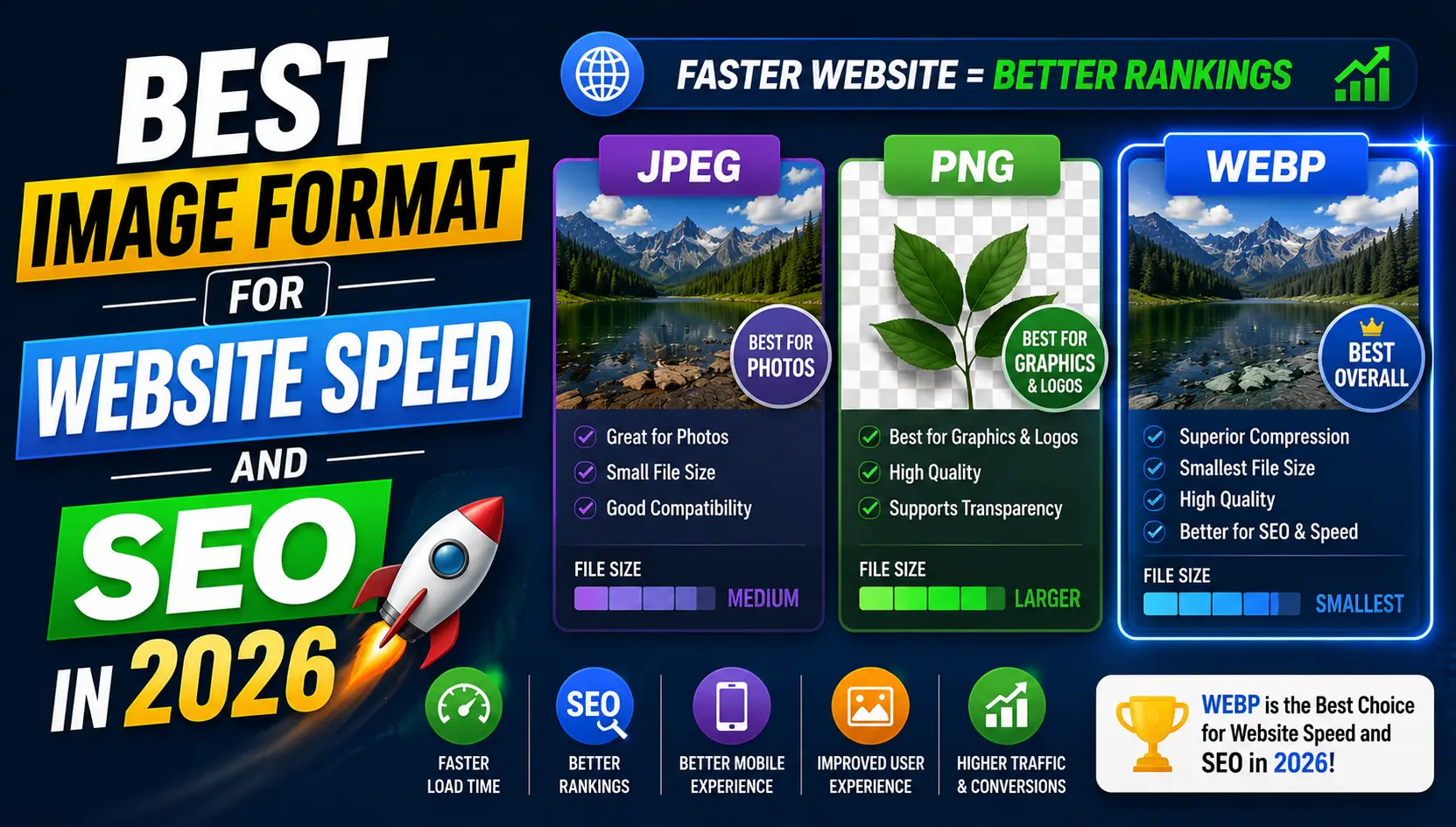
The Connection Between Image Format and SEO
Search engine rankings are influenced by hundreds of factors, but page loading speed has grown into one of the most significant in recent years. Google's Core Web Vitals, introduced as official ranking signals, measure real-world user experience metrics including how quickly the largest visible element on a page loads, known as Largest Contentful Paint or LCP. Since images are almost always the largest content elements on a page, the format and size of your images have a direct impact on this metric and, by extension, your search visibility.
A slow-loading website does not just rank lower. It also suffers from higher bounce rates as visitors leave before the page finishes loading, which sends additional negative signals to search engines about the quality of the page. Optimizing your image formats is one of the most cost-effective ways to improve both user experience and search performance simultaneously.
Why Google Recommends Modern Image Formats
Google's own PageSpeed Insights tool, which scores websites on loading performance, specifically flags images served in JPG and PNG as opportunities for improvement when a more efficient alternative is available. The tool explicitly recommends serving images in next-generation formats, listing WEBP and AVIF as the primary recommendations.
This is not arbitrary. Google has a strong interest in a faster web because faster pages create better experiences for search users, and the company's own tools reinforce this by penalizing slower sites in rankings.
WEBP: The Practical Standard for Most Websites
WEBP has become the default recommendation for web images because it strikes the best balance between compression efficiency, visual quality, and browser compatibility. Most major browsers have supported WEBP for several years, meaning the vast majority of your visitors will receive WEBP images without any issues.
Switching a website's images from JPG or PNG to WEBP typically reduces total image payload by 25 to 40 percent on average, which translates directly to faster load times and better LCP scores. For content-heavy websites or online stores with large product image catalogs, this improvement can be substantial.
AVIF: The Next Step for Maximum Performance
AVIF builds on the efficiency of WEBP and typically achieves even smaller file sizes for comparable visual quality, often 20 to 30 percent smaller than equivalent WEBP files. Browser support has expanded significantly and continues to grow.
A common approach among performance-focused websites is to serve AVIF to browsers that support it, with a WEBP or JPG fallback for those that do not. This ensures every visitor receives the most efficient version their browser can handle.
Formats to Avoid for Web Images
• BMP: completely uncompressed, produces enormous file sizes with no web benefit
• TIFF: designed for print quality archiving, not web delivery
• Uncompressed or very high quality PNG for photographs: significantly larger than needed
• GIF for static images: limited to 256 colors and produces larger files than JPG or WEBP
Beyond Format: Other Image SEO Factors
Format choice is important but not the only image-related SEO factor worth addressing. Using descriptive, keyword-relevant file names rather than generic labels like IMG_4521.jpg tells search engines something meaningful about what the image shows. Adding descriptive alt text to every image supports both SEO and accessibility for users who cannot see images.
Implementing lazy loading, which delays loading images until they are about to scroll into view, reduces the initial page weight and helps improve loading performance for pages with many images. Serving images from a content delivery network also reduces latency for visitors in different geographic locations.
A Practical Action Plan
1. Run your website through Google PageSpeed Insights to identify which images are flagged as opportunities.
2. Convert your most important pages, starting with the homepage and top landing pages, to WEBP first.
3. Resize images to match actual display dimensions if they are currently larger than needed.
4. Add descriptive alt text and meaningful file names to all images.
5. Measure your Core Web Vitals scores before and after to confirm improvement.
6. Gradually convert the rest of your image library as time allows.
Frequently Asked Questions
Does switching to WEBP really improve Google rankings?
WEBP improves page loading speed, which is a Core Web Vitals factor used in Google's ranking algorithm. Faster pages generally rank better, especially when competing against similar content.
Will switching to WEBP break my website?
Most modern browsers fully support WEBP. For safety, you can serve WEBP to supported browsers while keeping a JPG or PNG fallback, though in practice this is rarely necessary for general audiences.
Is AVIF worth using over WEBP?
AVIF can deliver additional file size savings over WEBP, making it worth considering for high-traffic sites with large image catalogs, ideally alongside a WEBP fallback.
What is Core Web Vitals and why does it matter for SEO?
Core Web Vitals is a set of metrics Google uses to measure real-world page experience, including loading speed, interactivity, and visual stability. These metrics are official ranking signals.
How do I convert my existing website images to WEBP?
Free online image converters can convert JPG and PNG files to WEBP quickly without any software installation.
Conclusion
Start improving your website's image performance today. Convert your JPG and PNG images to WEBP or AVIF using our free online converters and see the difference in your PageSpeed Insights scores.