The Fundamental Difference: Vector vs Raster
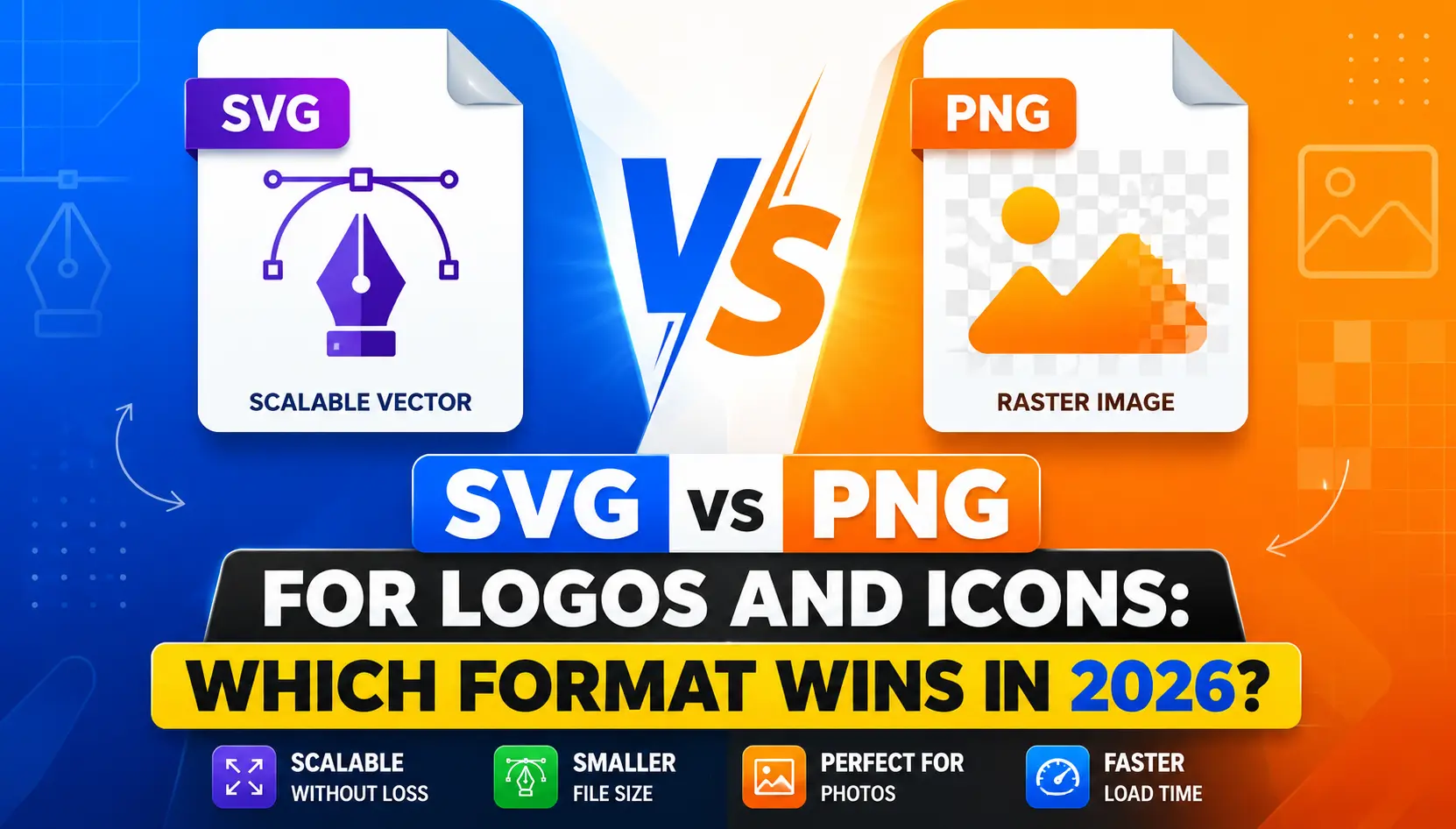
Before comparing SVG and PNG directly, it helps to understand what makes them fundamentally different. PNG is a raster format, which means it stores an image as a fixed grid of pixels. Every image has a defined width and height in pixels, and the file contains color information for each individual pixel. This works well at the image's intended size but creates problems when you try to scale up.
SVG is a vector format, which means it stores an image as a series of mathematical instructions describing shapes, paths, curves, and coordinates. Because the image is defined mathematically rather than as fixed pixels, it can be rendered at any size with complete sharpness. Scaling an SVG up to ten times its original size produces the same clean result as displaying it at the smallest thumbnail size.
Why SVG Is Usually Better for Logos
A logo needs to look sharp at every size: tiny in a browser tab as a favicon, small in website navigation, medium on business cards, large on posters, and potentially huge on banners or building signage. An SVG handles all of these scenarios with a single file because it scales infinitely without ever becoming blurry or pixelated.
SVG files also tend to be very small for simple logos. A clean vector logo with limited shapes and colors might be only a few kilobytes as an SVG, which loads almost instantly and contributes very little to page weight. Additionally, SVG elements can be styled with CSS and animated with JavaScript, which opens up possibilities for interactive hover effects and smooth transitions that raster formats simply cannot support.
When PNG Is the Better Choice
PNG earns its place when the design contains complexity that is difficult or impractical to represent as clean vector shapes. Logos or icons that incorporate photographic elements, intricate shading, complex gradients, or textures often look better as PNG files than as vector representations, which can simplify or distort fine detail.
PNG is also a more universally understood format across every platform, device, email client, and software application. If you are sending a logo to a client, printer, or platform without knowing exactly what software they are using, PNG offers near-guaranteed compatibility that SVG cannot always match.
File Size Comparison
For simple logos made of clean shapes and limited colors, SVG files are almost always significantly smaller than PNG files. A logo that is 50 kilobytes as a PNG might be just 5 kilobytes as an SVG, making SVG clearly superior from a web performance perspective.
However, as designs become more complex with many individual paths, gradients, and fine details, SVG file sizes can grow substantially. At some point of complexity, a well-optimized PNG can actually be more size-efficient than the equivalent SVG, so it is worth checking both for highly complex designs.
What About Using Both?
Many designers and web developers maintain both formats for their logos and icons. An SVG serves as the primary format for websites, ensuring perfect scaling across all screen sizes and resolutions. A PNG version at a specific size serves as the fallback for email signatures, documents, social media profiles, and platforms that do not reliably support SVG.
Starting with an SVG as your master format and generating PNG exports at specific sizes as needed gives you the best of both worlds: infinitely scalable vector quality for web use and reliable PNG compatibility everywhere else.
Quick Decision Guide
• Use SVG for: website logos, navigation icons, scalable UI elements, and any graphic needing CSS animation
• Use PNG for: logos to share with clients or printers, social media profile images, email signatures, and platforms with limited SVG support
• Use both: store an SVG master and generate PNG exports at needed sizes for complete coverage
Frequently Asked Questions
Will my SVG logo look blurry at large sizes?
No, SVG is a vector format that scales to any size without losing sharpness, which is one of its primary advantages over raster formats like PNG.
Can I convert my PNG logo to SVG?
Yes, online converters can create an SVG from a PNG, though results are best with simple, clean designs rather than complex photographs or detailed illustrations.
Is SVG supported in all browsers?
Most modern browsers fully support SVG, though very old browser versions and some email clients may have limited support.
Which format should I send to a printing company?
For professional printing, SVG or a vector format like EPS or AI is preferred since it scales cleanly to any print size, though a high-resolution PNG can also work for standard print sizes.
Is SVG better for website performance than PNG?
For simple logos and icons, yes, SVG files are typically much smaller than equivalent PNG files, which improves page loading performance.
Conclusion
Need to convert an image to PNG or SVG? Our free online converters handle both formats quickly, without installing any software or creating an account.