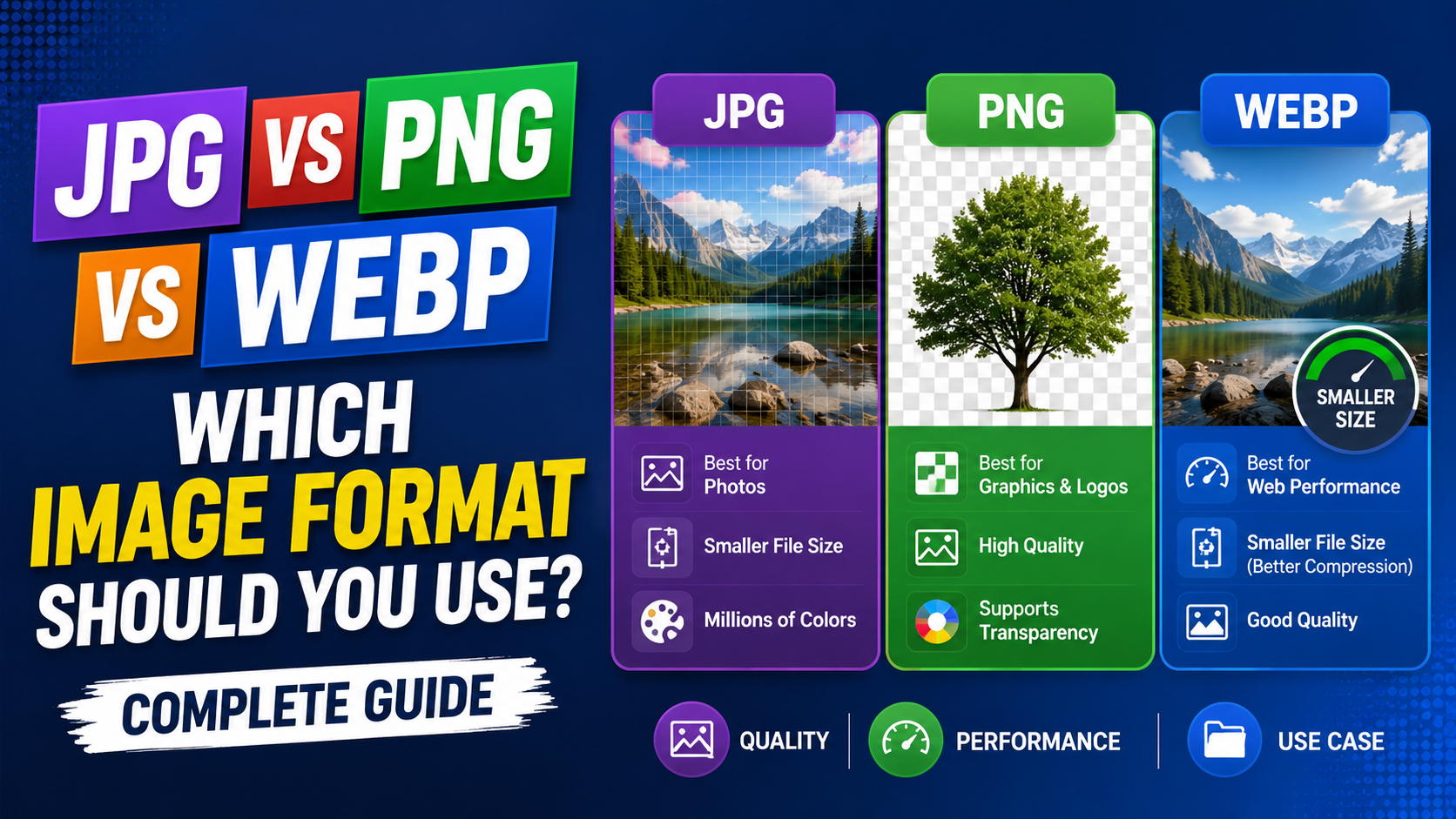
Why Your Image Format Choice Actually Matters
Most people never think twice about the format of an image file. You take a photo, save a graphic, or download something from the web, and whatever format it comes in is usually what you keep. But the format you choose has a real, measurable impact on how fast your website loads, how sharp your graphics look on different screens, how much storage space your files consume, and how compatible your images are across different devices and platforms.
JPG, PNG, and WEBP are the three most commonly used image formats on the web today. Each one was built to solve a slightly different problem, and understanding those differences will help you make smarter decisions every time you save, upload, or share an image.
JPG: The Default Format for Photographs
JPG, also written as JPEG, has been the dominant photo format for decades. It achieves small file sizes by using lossy compression, a method that removes certain image data the human eye is unlikely to notice. For photographs with smooth color gradients and complex natural detail, this trade-off is generally acceptable. A well-compressed JPG photo can be ten times smaller than an uncompressed version while still looking great to most viewers.
Where JPG falls short is with sharp edges, flat colors, and text. If you compress a screenshot or a logo as a JPG, you will start to see blocky artifacts around hard edges and text characters, particularly at higher compression levels. This is why JPG is rarely the right choice for graphics, icons, or anything that needs to remain pixel-perfect.
JPG also does not support transparent backgrounds, which is a critical limitation for logos and UI elements that need to blend into different colored backgrounds.
PNG: The Format for Clean, Sharp Graphics
PNG uses lossless compression, which means no image data is discarded during the compression process. Every pixel remains exactly as it was in the original, which is why PNG is the go-to format for logos, icons, illustrations, and screenshots where sharpness and accuracy matter more than file size.
One of PNG's most important features is its support for an alpha transparency channel. This allows any part of an image to be fully or partially transparent, which is essential for logos that need to sit cleanly on top of different backgrounds, button icons in web design, and any graphic element that needs to blend into a page rather than appearing inside a visible rectangular box.
The main trade-off with PNG is file size. Because PNG does not discard any image data, PNG files are typically much larger than JPG files for the same image, particularly for photographs with complex color gradients.
WEBP: The Modern Format Built for the Web
WEBP was developed by Google specifically to improve web performance. It supports both lossy and lossless compression, meaning it can function like an efficient JPG for photographs or like a sharp PNG for graphics, all within a single versatile format. It also supports transparency, similar to PNG, and even supports simple animation like GIF.
In practice, WEBP files are typically 25 to 35 percent smaller than equivalent JPG files and noticeably smaller than PNG files, while maintaining comparable or better visual quality. This makes WEBP the format of choice for website owners focused on page loading speed and Core Web Vitals scores.
The main consideration with WEBP is that very old browsers and some legacy software may not support it, though this has become much less of a practical concern as browser support has grown substantially in recent years.
Side-by-Side Comparison
• Compression type — JPG: lossy | PNG: lossless | WEBP: both lossy and lossless
• Transparency support — JPG: no | PNG: yes | WEBP: yes
• Animation support — JPG: no | PNG: no | WEBP: yes
• Best use case — JPG: photographs | PNG: logos and graphics | WEBP: all web images
• File size — JPG: small | PNG: large | WEBP: smallest
• Browser compatibility — JPG: universal | PNG: universal | WEBP: most modern browsers
Which Format Should You Use?
For most websites in 2026, WEBP is the smartest default choice. It handles both photographs and graphics efficiently, produces the smallest file sizes, and has wide enough browser support that compatibility is rarely a problem. Switching your existing website images from JPG and PNG to WEBP is one of the most impactful changes you can make to improve page speed without sacrificing visual quality.
PNG remains the right choice for situations where maximum compatibility with older software is essential, for very detailed graphics that need lossless quality, or when sharing files with clients or colleagues who may not be working with web-oriented tools. JPG continues to serve well for traditional photo printing workflows and any context where WEBP is not supported.
A practical approach used by many website owners is to keep a master copy of each image in PNG or high-quality JPG, then convert and serve a WEBP version on the live website. This gives you both compatibility and performance without having to choose between them.
How to Convert Between These Formats
Switching between JPG, PNG, and WEBP does not require expensive software. Free online image converters let you upload a file and download the converted version in seconds, directly from your browser, without installing anything. If you are looking to convert your website's images to WEBP, a free converter is usually the fastest way to get started and test the results before committing to a full switch.
Frequently Asked Questions
Is WEBP always better than JPG and PNG?
WEBP offers smaller file sizes and comparable quality for most web use cases, but JPG and PNG remain useful for maximum compatibility with older software, print workflows, and specific editing pipelines.
Can I convert JPG to PNG without losing quality?
Since PNG uses lossless compression, converting a JPG to PNG will not introduce additional quality loss, though it cannot restore detail that was already discarded during the original JPG compression.
Why does my PNG file look sharper than my JPG at the same size?
PNG uses lossless compression and preserves every pixel exactly, while JPG discards some data during compression, which can introduce artifacts at edges and in areas with fine detail.
Does WEBP work in all browsers?
Most modern browsers fully support WEBP, including current versions of Chrome, Firefox, Edge, and Safari, though some very old browser versions may not display it.
What format should I use for my website logo?
PNG or WEBP are generally the best choices for logos since both support transparent backgrounds and preserve sharp edges and text clearly.
Conclusion
Choosing the right format is the first step. Whether you need to convert a JPG to WEBP for faster website loading, switch a photo to PNG for a design project, or move between any other combination of formats, our free online image converters make the process quick and simple. No software to install, no account required.